Support / Suitepepper / How do I flag an email?
You can flag an email by pressing and holding the email in your inbox to select it. Once selected, you’ll see a menu of available actions including the flag option.
.png&w=3840&q=75)
Click on the “Flag” option to confirm. The email will now be highlighted as flagged, making it easier to spot when scanning your inbox.
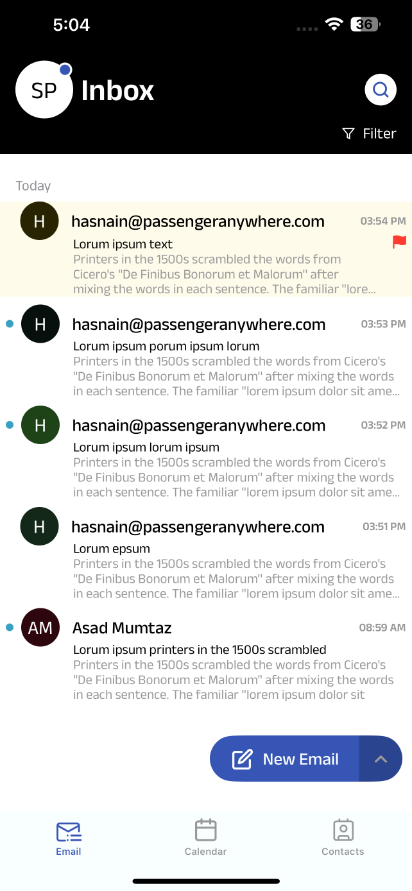
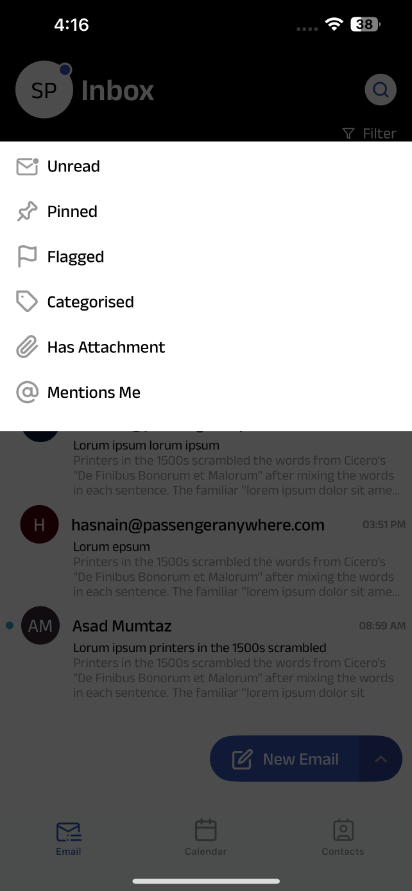
To quickly find your flagged emails later, use the filter options at the top of your inbox. From here, you can filter to show only flagged messages, as well as unread, pinned, or emails that contain attachments.


SAFE AND SECURE PAYMENT